I haven’t coded before. Can I follow this?
Yes. The process is designed to be easy to follow, with templates and clear steps. If you get stuck, you can ask in the community and on support calls.
You know what you want to build. A quick ROI calculator, a simple intake workflow, a lightweight demo your customer can click through. You just want a clean link you can share, and you want it fast.
30-day money-back guarantee. No questions asked.
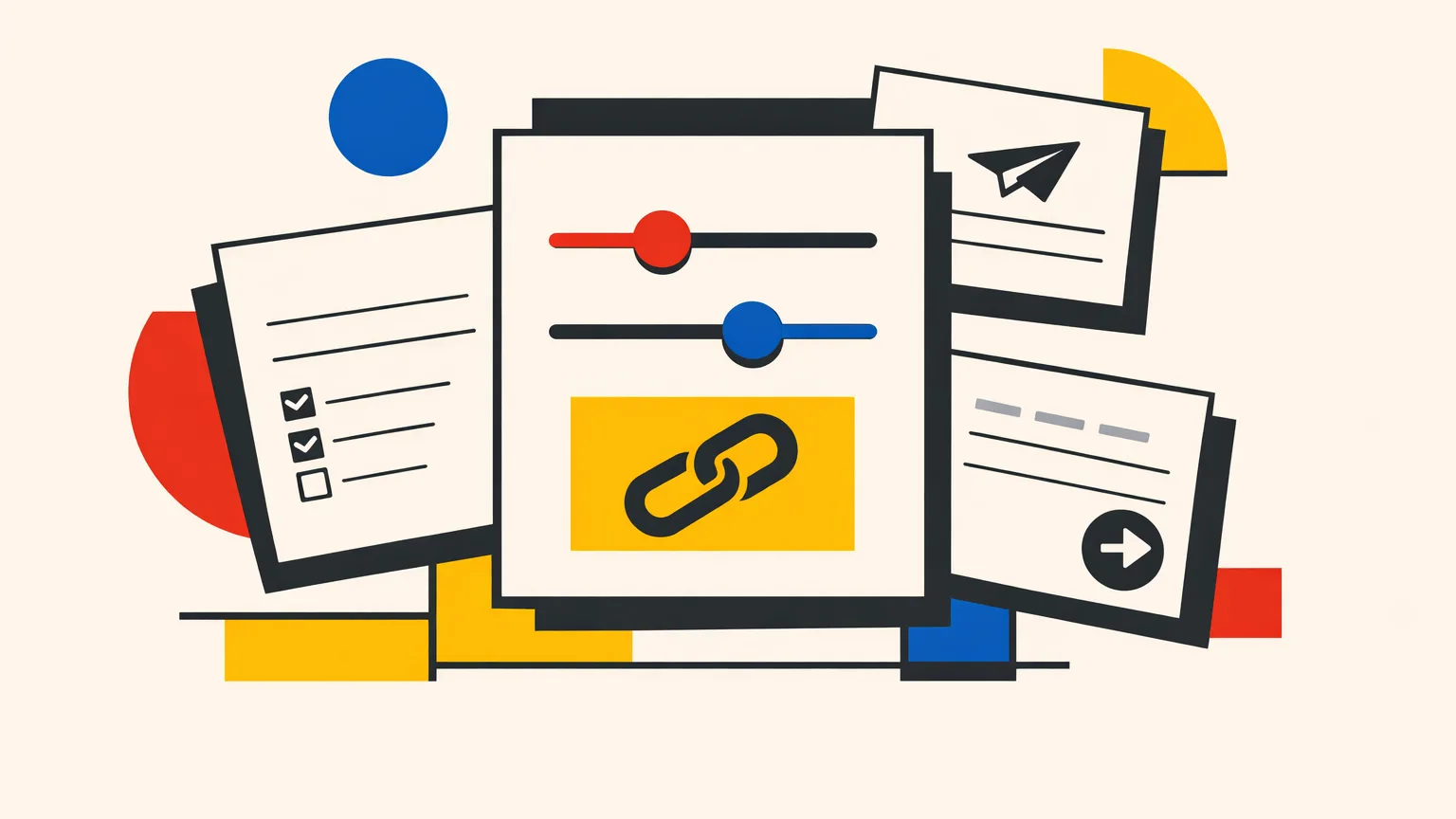
A link that does the explaining for you.
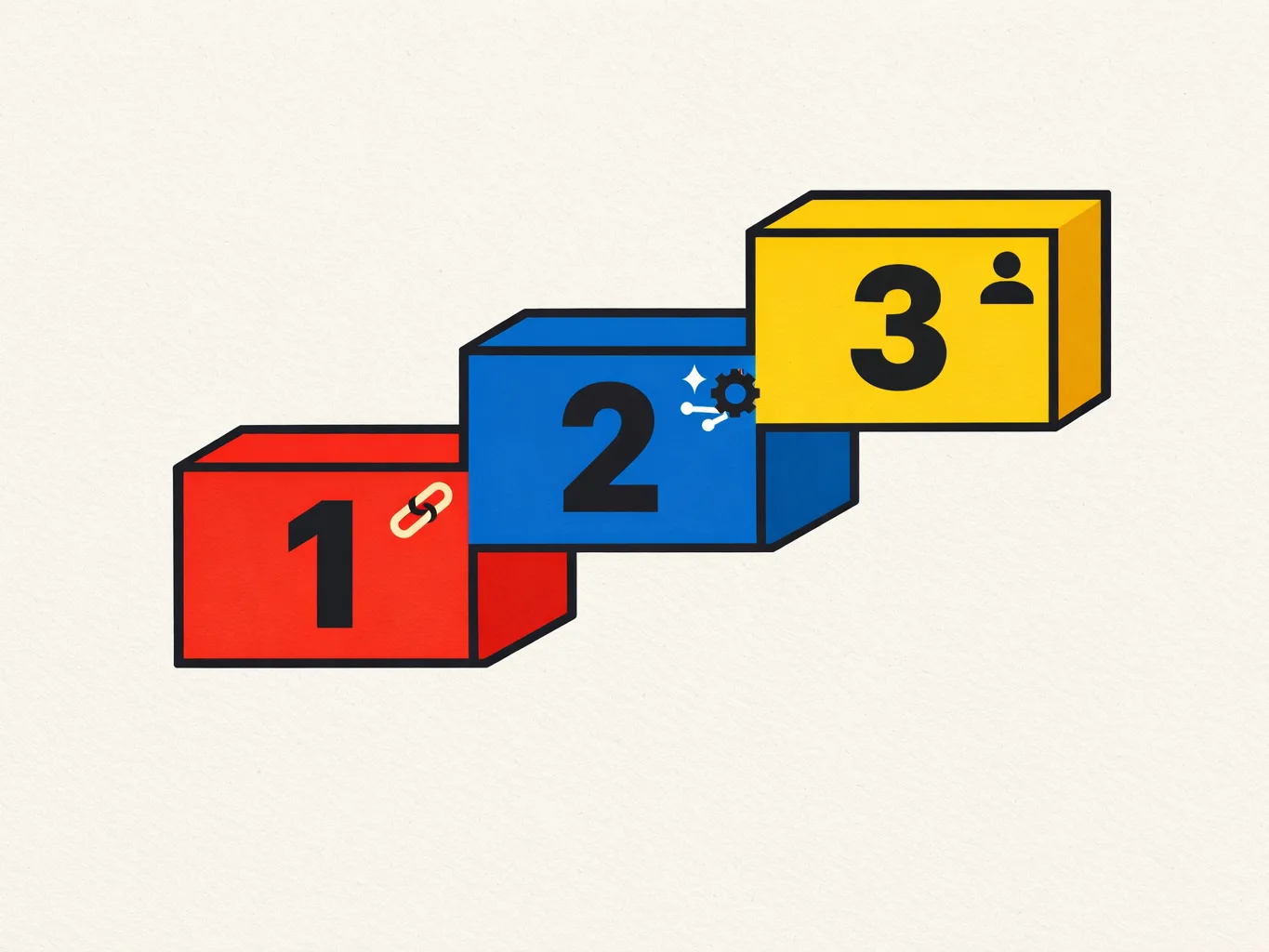
Most people get stuck because they try to build the whole thing at once. MicroApps uses a simple 3-level progression, so you get a shareable win first, then you expand.
Build a simple app you can share as a link. This is where you get momentum fast.
Add smarter behavior behind your microapp, so it can do more than just display inputs and outputs.
Create customer-facing portals with logins, so people can come back and use it again.
Everything is designed to help you go from plan to link, without guessing what to do next.
Plan → Build → Test → Ship microapp playbook
Plug-and-play templates, plus reusable prompts and styles
One-click deploy for Level 1 apps
Community access, so you can ask questions and see what others are building
Weekly support calls
Daily Q&A with Hans
Bonus resources, including n8n scripts + templates, a VPS setup guide, and client-ready demo apps
From Google reviews. 4.9 average rating.
“This team is immensely helpful… Hans and team are invaluable.”
“The courses are very easy to follow. Learning step by step in a very clear and logical way.”
“They’ve been super responsive and have quickly resolved any issues I’ve had.”
“The speed at which you respond to queries is incredibly fast. Truly impressive!”

If you want to finish something fast, you need feedback fast.
Hans Thisen brings 12+ years of industry experience, and 5+ years working intensively with AI and automation.
Small note: You get full access either way.
Yes. The process is designed to be easy to follow, with templates and clear steps. If you get stuck, you can ask in the community and on support calls.
That is the point of Level 1. You start with a small app that is designed to be finished quickly, then improve it after you have a working link.
A guided community and course, templates, the Plan → Build → Test → Ship playbook, weekly support calls, and daily Q&A with Hans. You also get bonus automation templates and setup guides.
Level 1, HTML apps can be hosted for free on MicroApp.live.
You are covered by a 30-day money-back guarantee, no questions asked.
Build a microapp people can use, then share it in minutes.
Examples you’ll be able to share: